

Overview
Reports in SpecLink Cloud include pre-built options as well as customized reports.
There are four types of reports available in SpecLink Cloud.
Click the links below to access specific articles and videos to learn more about each type of report:
- Submittals: PDF or MS Word export lists sections that include Product Data, Shop Drawings, or Samples.
- Submittals Log: MS Excel export provides greater detail to the Submittals report.
- Individual Tag Reports: PDF or MS Word export derived from the use of Report Tags located in the Sequence Manager.
- Comments Report: MS Excel export containing all of the comments in a project, division, or section.
Steps for Generating Reports
Follow the steps below to generate reports.
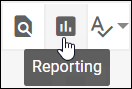
- From within a section, click the Reporting icon in the SpecLink Cloud toolbar.
The Reporting menu will appear.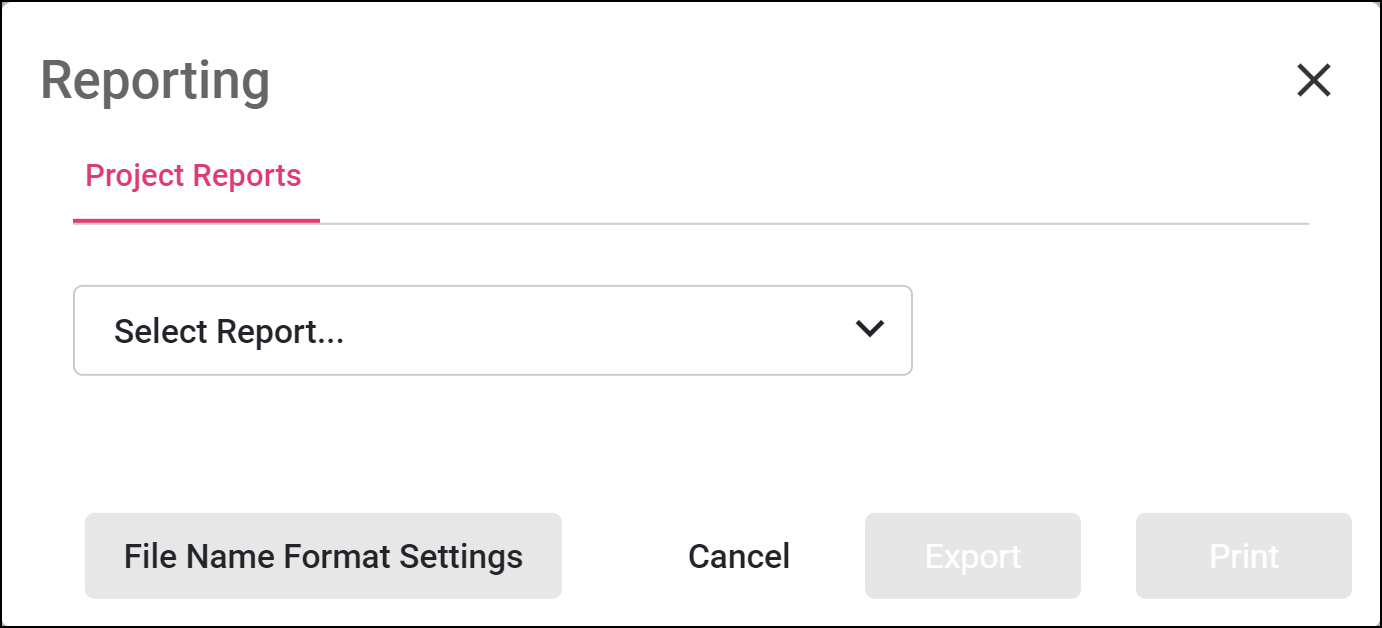
- Click the drop down menu to select a type of report to generate.
Customizing File Names
The Reporting menu provides the tools to customize the file name formatting.

Read the full article and watch the Customizing File Name when Exporting video here.
Watch the video below to review the steps for generating reports in action.
Learn More:
- Generating the Submittals Report (.PDF/.DOCX) & Submittals Log (.XLSX) - Video
- Generating Individual Tag Reports - Video
- Generating the Comments Report - Video
Comments
0 comments
Article is closed for comments.