

Overview
RIB Master Content has 3 types of fill in the blank text entry fields.
Color coding is used to distinguish the different types of fill in the blanks:
Choice Fields
Fill in the Blank entry fields within Choice Fields are blue.
Accessing the choice field options is accomplished by right click, single left click, and double left click:
Single left click to access the choices:
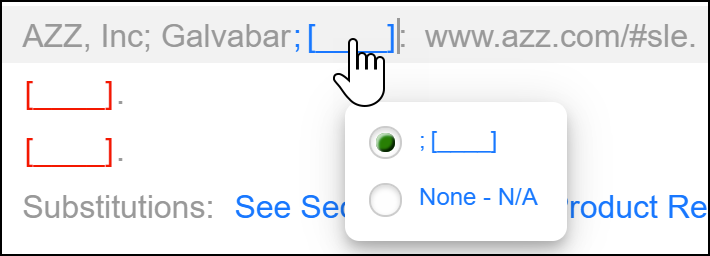
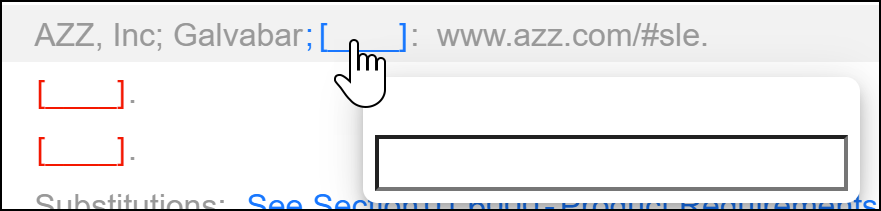
Double left click to access the text entry box.
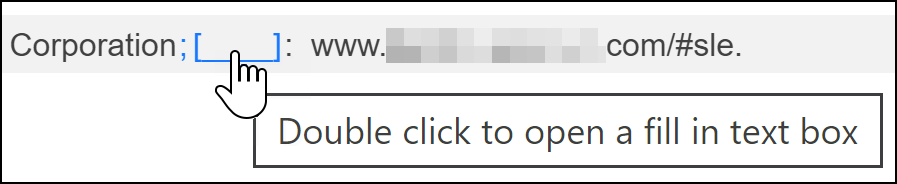
When hovering over the fill in the blank, a smart tip will appear guiding you to this action.
Hover:
Double Click:
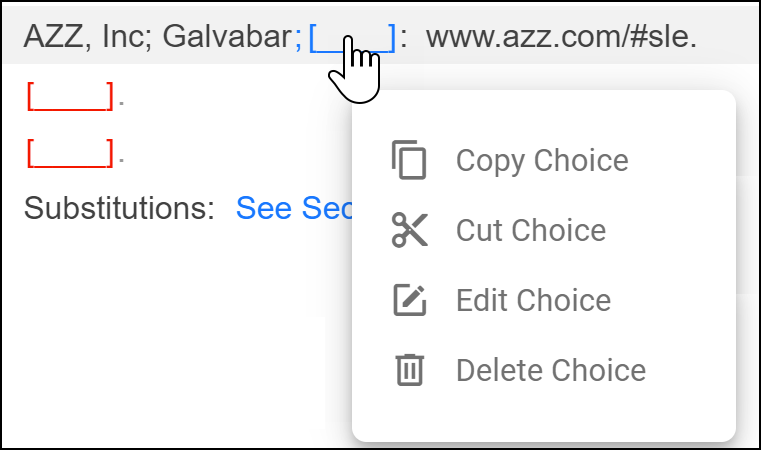
Single right click to access the choice field options based on the user role permissions:
Units of Measure
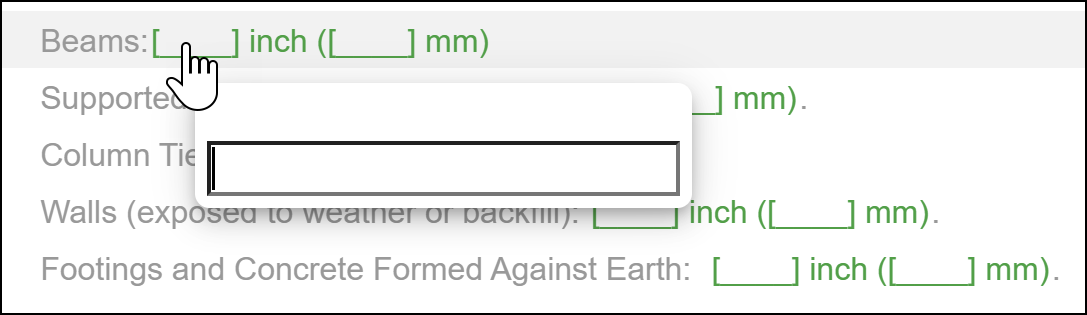
Unit of Measure fill in the blank text entry fields are green.
Accessing a unit of measure fill in the blank text entry box can be accomplished by single or double clicking to access the text entry box. When hovering over the fill in the blank, a smart tip will appear guiding you to this action.
Single or Double Click:
Standalone
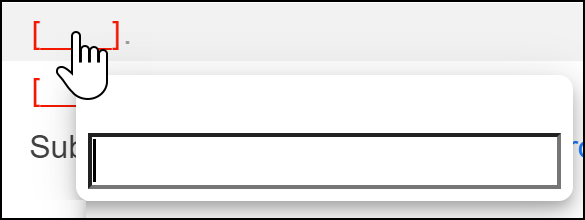
Standalone fill in the blank text entry fields are red.
Single click to access the standalone text entry box shown below:
Watch fill in the blanks in action below:
Comments
0 comments
Article is closed for comments.