

Overview
When a project is deleted it is moved to a list of deleted projects where it can be restored.
Steps to Restore a Deleted Project
Follow the steps below to restore a deleted project.
- From the Projects List, locate and click the deleted projects bin pictured below.
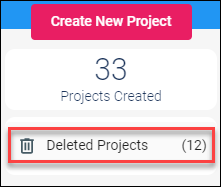
The Deleted Projects window will appear. - From the Deleted Projects window, click the Restore button to move the project back to the Projects List.

A confirmation window will appear. - Click the Yes button to restore the project.
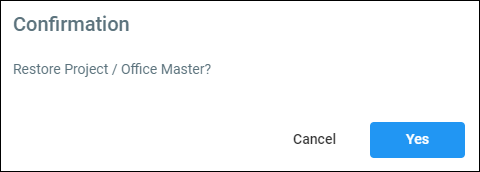
The project will return to the Projects List.
Comments
0 comments
Article is closed for comments.